Customer Management — Complete Task
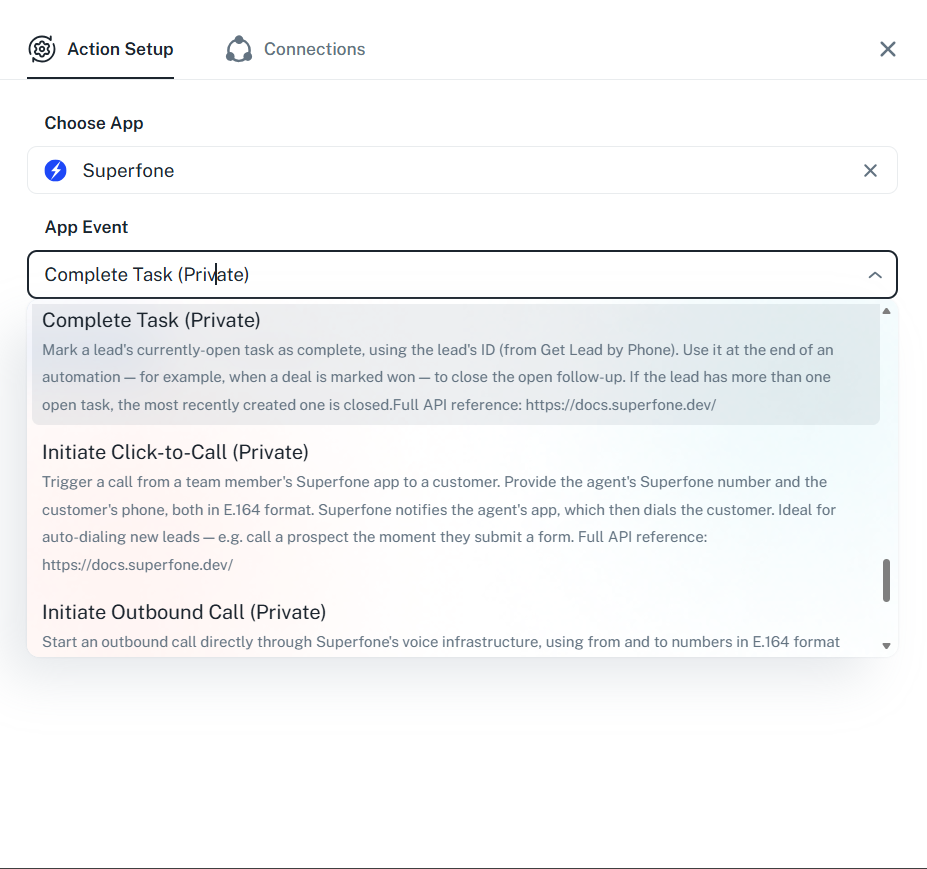
Marks a lead's currently-open (pending) task as complete. If the lead has more than one open task, the most recently created one is closed.
Authentication Required
Runs against your organization using the Superfone connection (your API key).
Prerequisites
You need the lead's lead_id. If you only have a phone number, run Get Lead first.
Endpoint
POST https://prod-api.superfone.co.in/superfone/enterprise/api/lead/{lead_id}/task/complete
Input fields
| Field | Type | Required | Description |
|---|---|---|---|
lead_id | number | Yes | The lead whose open task should be completed. Obtain it from Get Lead. |
No request body is required.
How to use in Pabbly
- Add the Complete Task action.
- Map
lead_id(from a Get Lead step). - Save and test — the lead's most recent open task is marked complete.
Example workflow
Deal marked "Won" in your CRM → Get Lead (by phone) → Complete Task (closes the open follow-up).
Response
Status Code: 200 OK
Returns the updated task object with task_status set to COMPLETE.
{
  "data": {
    "id": 991234,
    "customer_id": 28148893,
    "task_status": "COMPLETE"
  },
  "message": "success"
}
Common errors
| Status Code | When it occurs | How to fix |
|---|---|---|
400 | The lead has no open (pending) task | Nothing to complete — confirm a task exists first with List Tasks. |
401 | Missing or invalid API key | Reconnect your Superfone account in Pabbly. |
404 | Lead not found | Confirm the lead_id belongs to your org. |