Customer Management — Create Task
Creates a task (follow-up, reminder, site visit, etc.) against a specific lead.
Authentication Required
Runs against your organization using the Superfone connection (your API key).
Prerequisites
You need the lead's lead_id. If you only have a phone number, run Get Lead first and map its id into lead_id here.
Endpoint
POST https://prod-api.superfone.co.in/superfone/enterprise/api/lead/{lead_id}/task
Input fields
| Field | Type | Required | Description |
|---|---|---|---|
lead_id | number | Yes | The lead to attach the task to. Obtain it from Get Lead. |
type | dropdown | Yes | Task type. Choose from the visible types: FOLLOW_UP_CALL, FIRST_CALL, CALLBACK_REQUEST, SITE_VISIT, REMINDER, BOOKING. |
due_date | string (ISO 8601) | Yes | When the task is due, e.g. 2026-06-01T10:30:00Z. |
notify_at | string (ISO 8601) | No | When to send the reminder notification. Must be in the future and at or before due_date. If omitted, it's derived from the task type: REMINDER notifies at the due time, FIRST_CALL notifies immediately, and all other types notify 10 minutes before due_date. |
customer_note | string | No | A note attached to both the task and the lead's timeline. |
Task type is validated
type must be one of the visible task types listed above. System-only types (e.g. AUTO_FOLLOW_UP, CALL) cannot be created via this action and will return a 400.
How to use in Pabbly
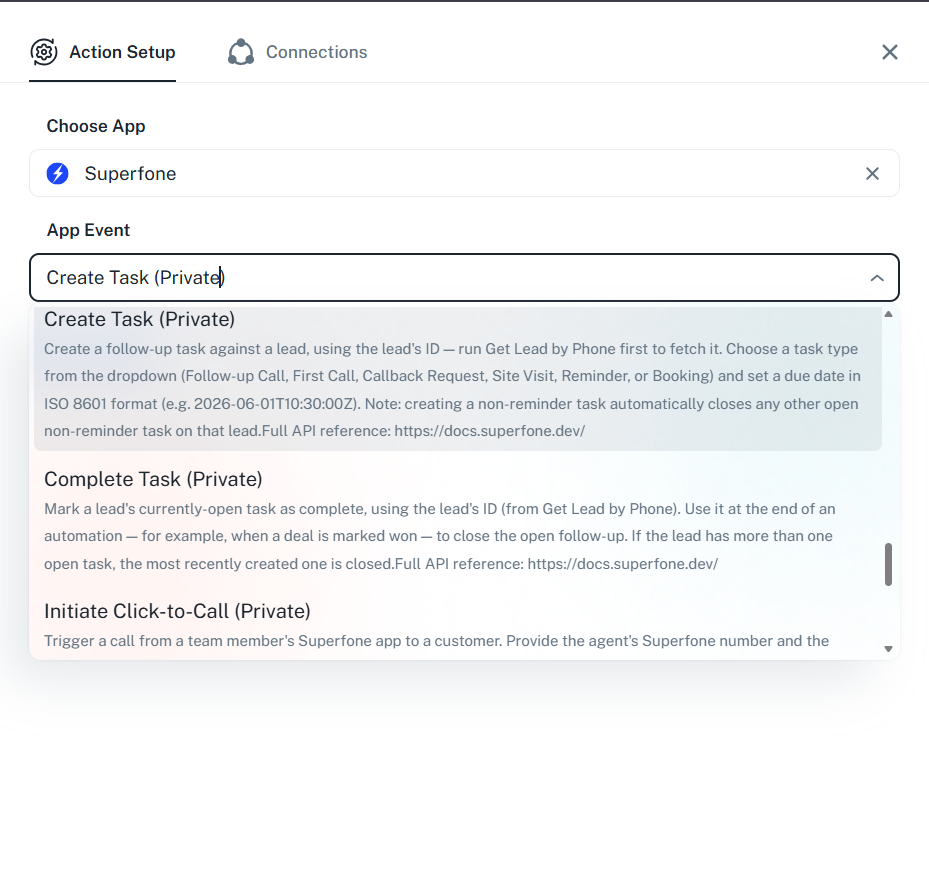
- Add the Create Task action.
- Map
lead_id(from a Get Lead step). - Pick a
typefrom the dropdown and set adue_date(ISO 8601). - Optionally set
notify_atand acustomer_note. - Save and test.
Example workflow
New form submission → Create or Update Lead → Get Lead → Create Task (
type=FOLLOW_UP_CALL,due_date= tomorrow 10:00).
Response
Status Code: 200 OK
Returns the created task object, including its id.
{
  "data": {
    "id": 991234,
    "customer_id": 28148893,
    "org_id": 18805,
    "type": "FOLLOW_UP_CALL",
    "due_date": "2026-06-01T10:30:00.000Z",
    "task_status": "PENDING"
  },
  "message": "success"
}
Common errors
| Status Code | When it occurs | How to fix |
|---|---|---|
400 | type missing/not allowed, due_date missing, or lead_id not a number | Use a visible task type, provide an ISO 8601 due_date, and a numeric lead_id. |
401 | Missing or invalid API key | Reconnect your Superfone account in Pabbly. |
404 | Lead not found, or lead storage is full | Confirm the lead_id belongs to your org; free up lead storage if full. |