Customer Management — Initiate Click-to-Call
Triggers a call between a team member and a customer. Superfone notifies the team member's app, which then dials the customer; the call shows your organization's Superfone number as the caller ID.
Authentication Required
Runs against your organization using the Superfone connection (your API key).
Endpoint
GET https://prod-api.superfone.co.in/superfone/api/customer/click-2-call
Input fields
| Field | Type | Required | Description |
|---|---|---|---|
agent_phone | string | Yes | Phone number of the team member who will make the call (E.164). Maps to the API's user_number. |
customer_phone | string | Yes | Phone number of the customer to call (E.164). Maps to the API's customer_number. |
How to use in Pabbly
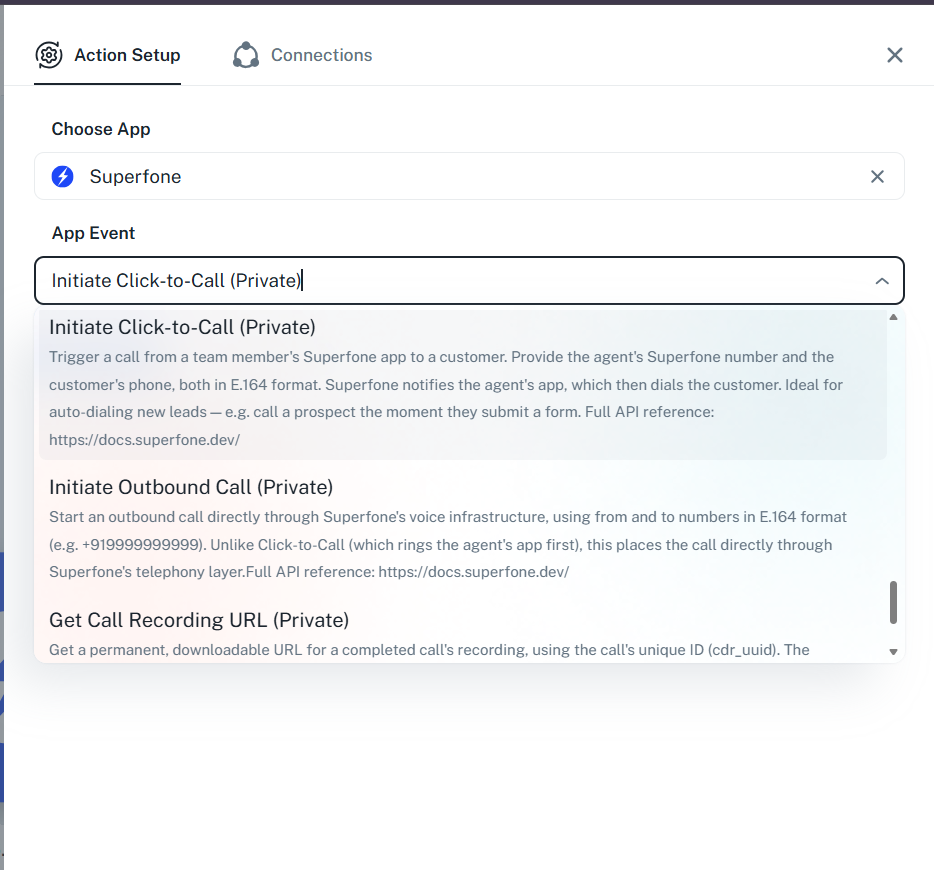
- Add the Initiate Click-to-Call action.
- Map
agent_phone(the team member) andcustomer_phone(the customer), both in E.164. - Save and test — a call notification is sent to the team member's device.
Example workflow
New high-priority lead row in a sheet → Initiate Click-to-Call (
agent_phone= on-duty rep,customer_phone= the new lead).
Response
Status Code: 200 OK
{
  "data": {
    "notificationID": 12345,
    "sentSuccess": true
  },
  "message": "success"
}
Success means "notification sent"
A 200 indicates the call notification reached the team member's device — not that the call connected. Actual connection depends on the team member answering, their connectivity, and the customer picking up.
Requirements
warning
- The team member must have the Superfone app installed, be logged in, and have Dashboard Calling enabled.
- Each agent can have only one active call at a time.
- Both numbers must be in E.164 format.
Common errors
| Status Code | When it occurs | How to fix |
|---|---|---|
400 | Missing parameters or invalid phone format | Provide both numbers in E.164 format. |
401 | Missing or invalid API key | Reconnect your Superfone account in Pabbly. |
404 | Team member not found | Ensure agent_phone matches a Superfone user in your org. |
500 | Unexpected server error | Retry; if it persists, contact support. |