Customer Management — Complete Task
Marks a lead's currently-open (pending) task as complete. If the lead has more than one open task, the most recently created one is closed.
This is a Zapier Action step.
Authentication Required
Runs against your organization using the Superfone connection (your API key).
Prerequisites
You need the lead's lead_id. If you only have a phone number, run Get Lead by Phone first.
Endpoint
POST https://prod-api.superfone.co.in/superfone/enterprise/api/lead/{lead_id}/task/complete
Input fields
| Field | Type | Required | Description |
|---|---|---|---|
lead_id | number | Yes | The lead whose open task should be completed. Obtain it from Get Lead by Phone. |
No request body is required.
How to use in Zapier
- Add the Complete Task action.
- Map
lead_id(from a Get Lead by Phone step). - Save and test — the lead's most recent open task is marked complete.
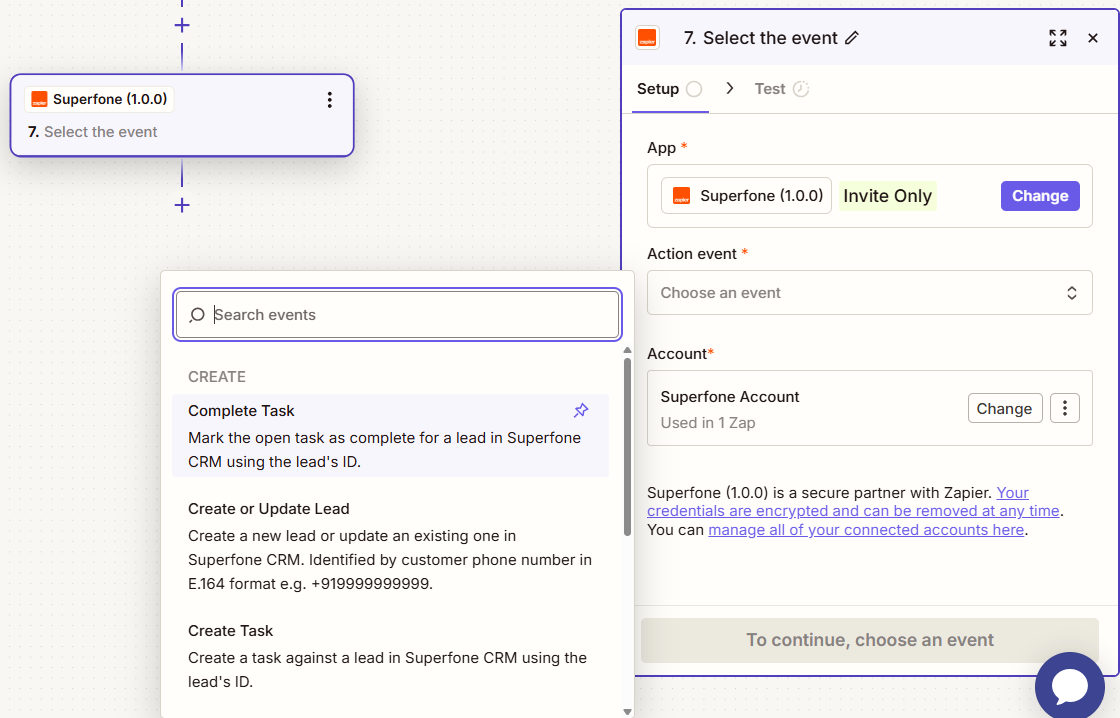
Example workflow
Deal marked "Won" in your CRM → Get Lead by Phone (by phone) → Complete Task (closes the open follow-up).