Customer Management — Get Lead by Phone
Fetches a single lead by phone number. Use this to look up a lead's details — and, importantly, to get its lead_id, which the task actions (Create Task, Complete Task, List Tasks) require.
Authentication Required
Runs against your organization using the Superfone connection (your API key).
Endpoint
GET https://prod-api.superfone.co.in/superfone/enterprise/api/lead?phone={phone}
Input fields
| Field | Type | Required | Description |
|---|---|---|---|
phone | string | Yes | The lead's phone number in E.164 format (e.g. +919999999999). |
Field name
The underlying query parameter is phone (not customer_phone). In Zapier, enter the customer's phone number in the lookup field.
How to use in Zapier
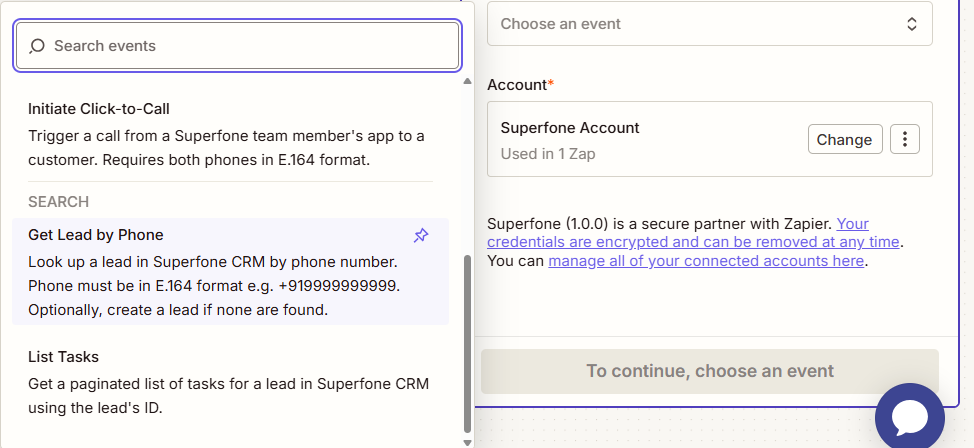
- Add the Get Lead by Phone search step.
- Map the customer's phone number (E.164) into the Phone field.
- Send a test — the response contains the lead, including its
id(thelead_id). - In later steps, map
idfrom this step into thelead_idfield of the task actions.
Example workflow
Call Completed trigger (Phase 2) → Get Lead by Phone (by caller's phone) → Create Task (callback, using the
idreturned here aslead_id).