Customer Management — Create or Update Lead
Upserts a lead in your Superfone CRM, matched by phone number. If a lead with that phone already exists it is updated; otherwise a new lead is created (when enabled).
This is a Zapier Action step.
This action is pre-paired with Get Lead by Phone inside the Superfone Zapier app. When you add Create or Update Lead to your Zap, Zapier automatically runs the Find-or-Create flow — the lead is looked up by phone first and only created when there's no match. You don't need to add a separate search step.
This action runs against your organization using the Superfone connection (your API key).
Endpoint
POST https://prod-api.superfone.co.in/superfone/enterprise/api/lead
Input fields
| Field | Type | Required | Description |
|---|---|---|---|
customer_phone | string | Yes | The lead's phone number in E.164 format (e.g. +919999999999). Used to match an existing lead or create a new one. |
create_customer_if_customer_phone_not_found | dropdown (true / false) | No | If true, creates a new lead when no match is found. If false/omitted, a missing lead is not created. This is the "upsert" toggle. |
first_name | string | No | Lead's first name. |
last_name | string | No | Lead's last name. |
email | array of strings | No | One or more email addresses. |
business_name | string | No | Company / business name. |
website | string | No | Website URL. |
city | string | No | City. |
deal_value | number | No | Monetary value of the deal. |
source | string | No | Free-text source label. |
source_type | dynamic dropdown | No | Lead source type — loaded from your Superfone account. |
lead_stage_name | dynamic dropdown | No | Pipeline stage — loaded from your Superfone account. |
lead_group_name | dynamic dropdown | No | Lead group — loaded from your Superfone account. |
add_labels | array (dynamic dropdown) | No | Labels to add — loaded from your Superfone account. |
remove_labels | array (dynamic dropdown) | No | Labels to remove — loaded from your Superfone account. |
add_products | array (dynamic dropdown) | No | Products to attach — loaded from your Superfone account. |
add_phones | array of strings | No | Additional phone numbers for the lead (E.164). |
assignee_user_phone | string | No | Phone number of the team member to assign this lead to (E.164). |
additional_info | string | No | Free-text notes stored on the lead. |
customer_note | string | No | Adds a note to the lead's timeline. |
Fields marked dynamic dropdown load live values from your account, so you select from your real configuration instead of typing. See Dynamic dropdowns.
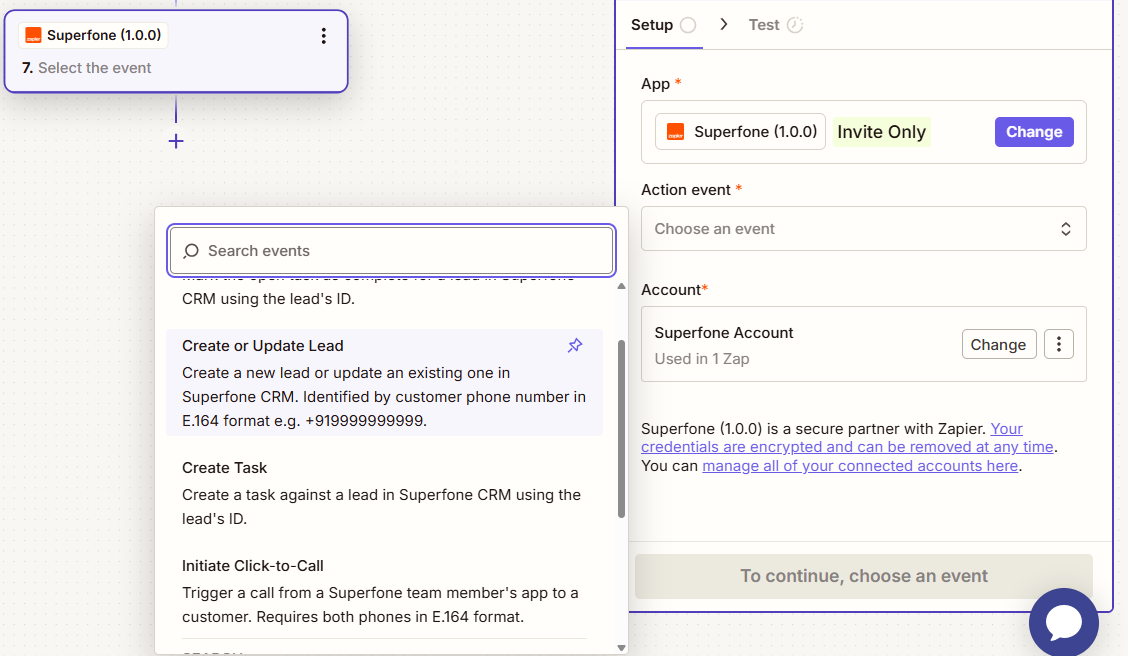
How to use in Zapier
- Add the Create or Update Lead action to your Zap.
- Map
customer_phonefrom the previous step (ensure E.164 format). - Fill any other fields; pick from dynamic dropdowns where shown.
- Set Create customer if phone not found to
trueif you want new leads created when there's no match. - Save and send a test.
Example workflow
New paid order in your store → Create or Update Lead (phone from the order,
source_type= Online,lead_stage_name= New Paid Cx,create_customer_if_customer_phone_not_found=true) → Create Task (follow-up call tomorrow).