Customer Management — List Tasks
Returns a paginated history of tasks for a lead — both open (PENDING) and completed (COMPLETE) tasks, newest first.
This is a Zapier Search step.
Authentication Required
Runs against your organization using the Superfone connection (your API key).
Prerequisites
You need the lead's lead_id. If you only have a phone number, run Get Lead by Phone first.
Endpoint
GET https://prod-api.superfone.co.in/superfone/enterprise/api/lead/{lead_id}/task?page={page}&page_size={page_size}
Input fields
| Field | Type | Required | Description |
|---|---|---|---|
lead_id | number | Yes | The lead whose tasks to list. Obtain it from Get Lead by Phone. |
page | number | No | Page number, starting at 1. Defaults to 1. |
page_size | number | No | Records per page. Defaults to 20. Maximum is 20 — a larger value returns a 400. |
How to use in Zapier
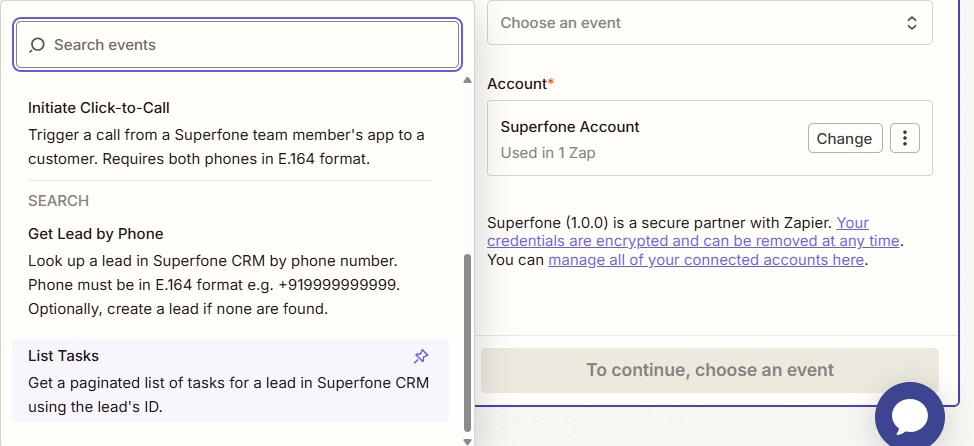
- Add the List Tasks search step.
- Map
lead_id(from a Get Lead by Phone step). - Optionally set
pageandpage_size(max 20). - Save and test.
Example workflow
Daily scheduled trigger → Get Lead by Phone → List Tasks → filter for overdue tasks → notify the assigned rep.